Download & Install
📱 Mobile App – User Guide
Welcome to the official Mobile App for managing internal operations at Vrindavan Chandrodaya Mandir. This guide will help you get started with the app and understand its core features.
📥 Download the App
📘 Click here to download the Mobile App from Google Play Store
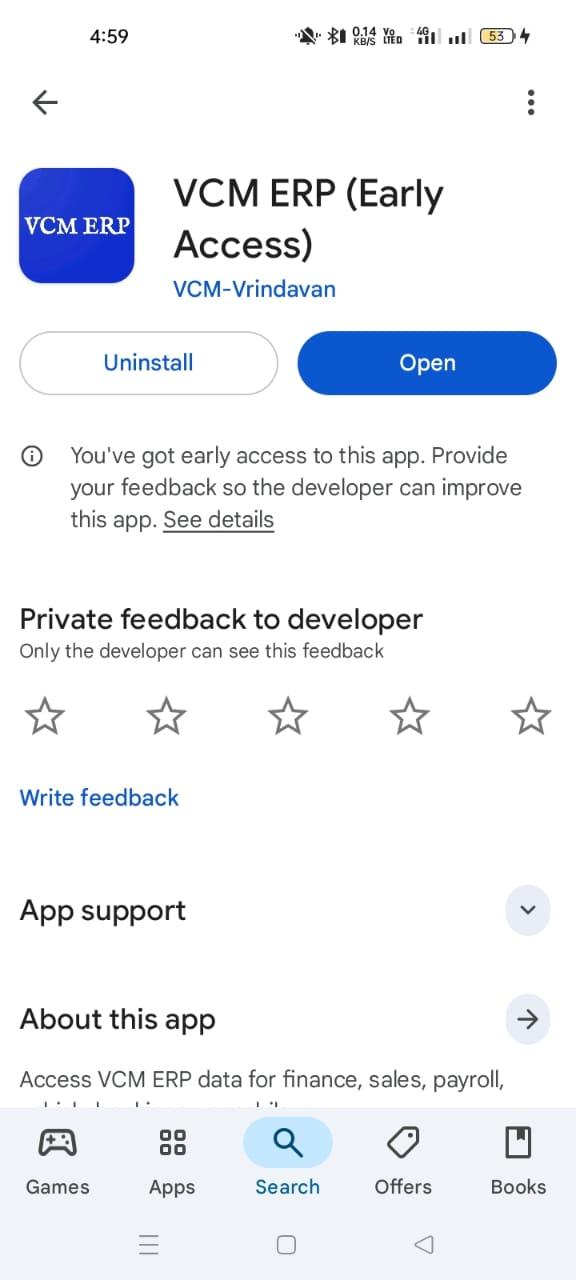
App Download Screen
🚀 Getting Started
After installing the app, tap on "Get Started" to begin your login process.
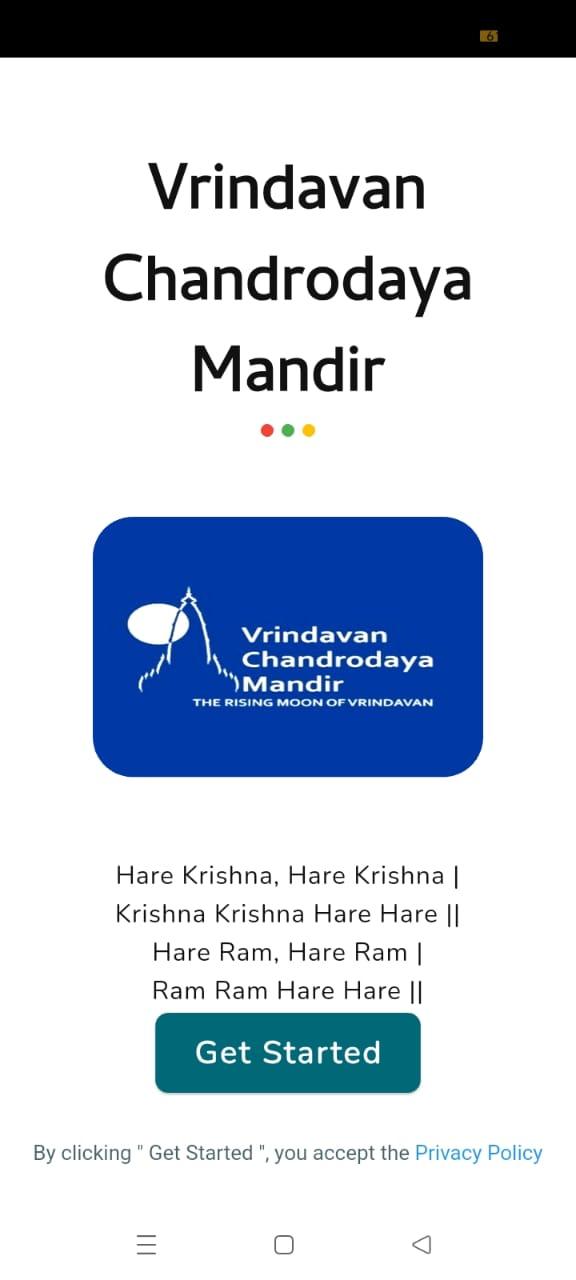
Get Started Screen
🔐 Login Instructions
- On the login screen, select the domain as ERP.
- Enter your registered Email ID or Mobile Number.
- An OTP will be sent to your registered mobile number and email.
- Enter the OTP to log in securely.
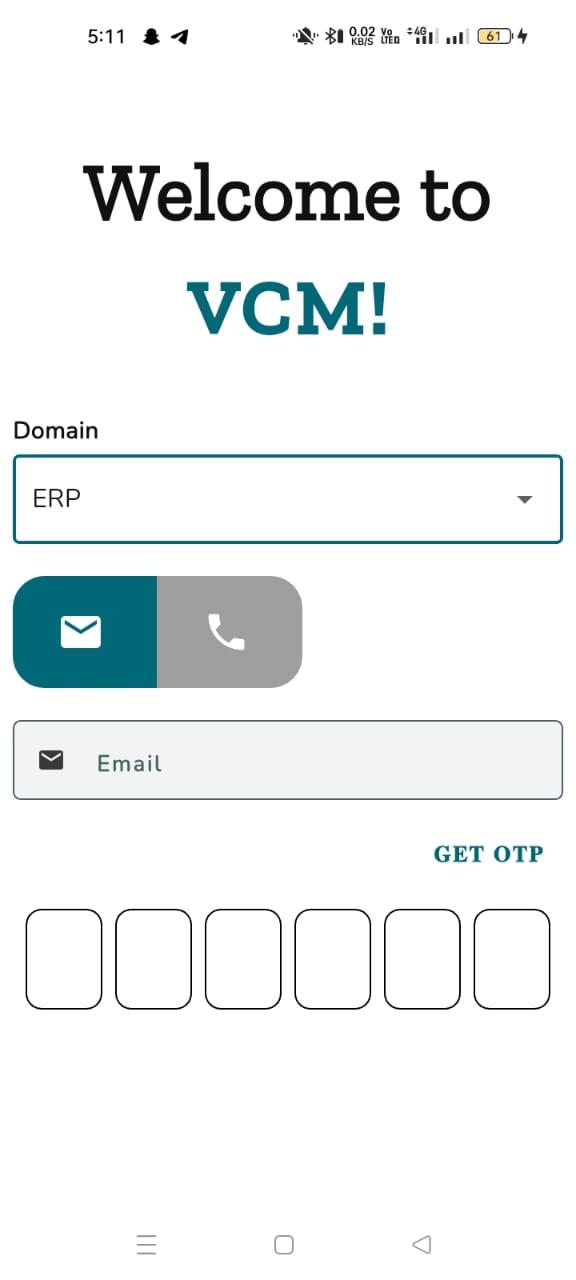
Login Screen
🏠 Home Screen
Once logged in, you'll Navigate to the Home Screen, where you can access all available modules such as Hall Booking, Ticketing, Approvals, and Budget Overview.
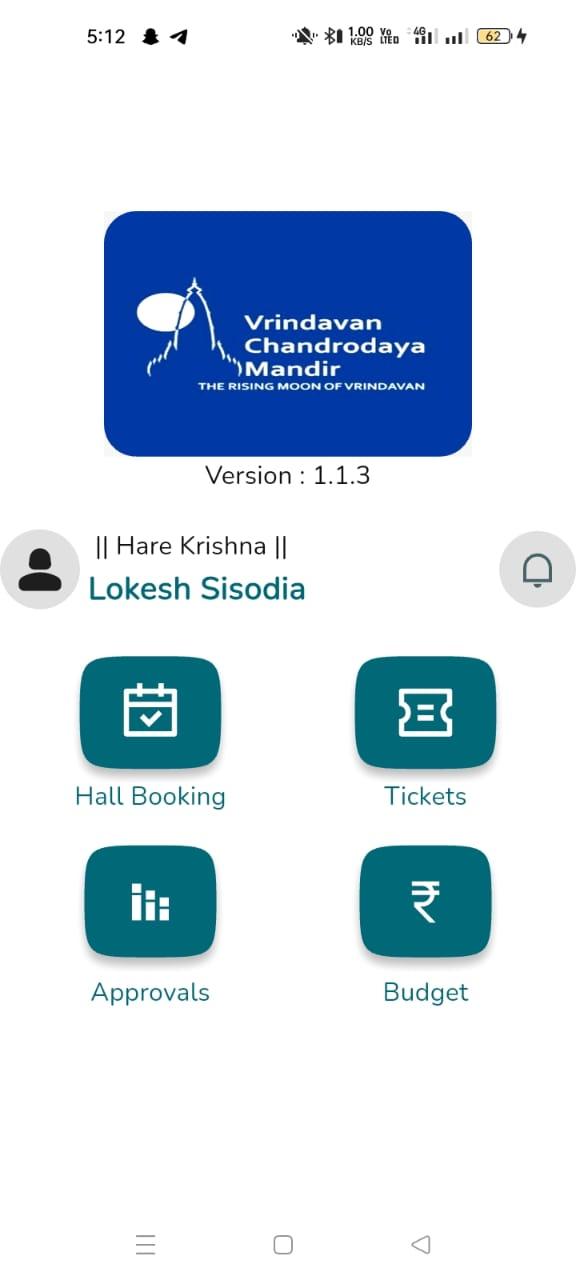
Home Screen
Need help logging in or accessing modules? Please contact the ERP Team.